

Stay connected with Wi-Fi calling
Your backup plan to keep the conversation going. Anywhere.

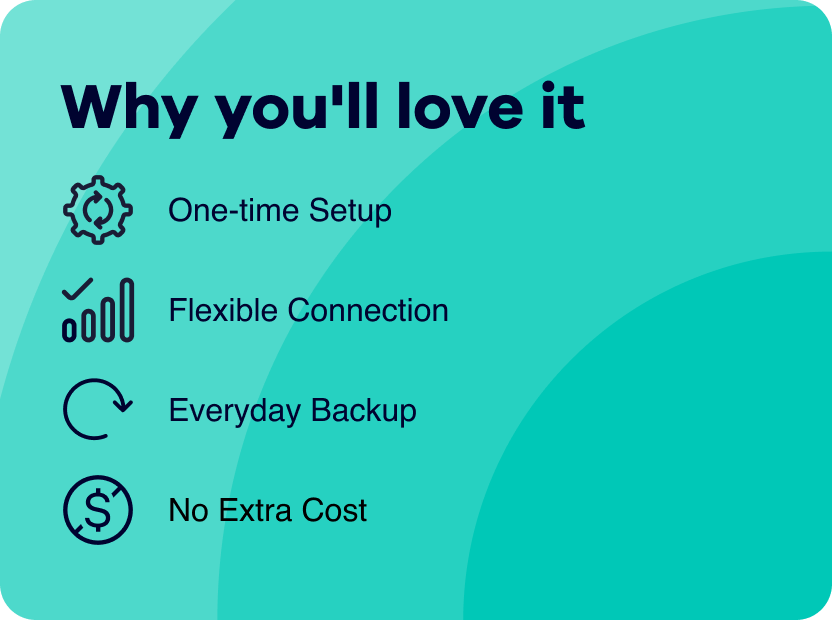
Wi-Fi Calling is a built-in feature that lets you call and text over available Wi-Fi connections. And the
best part? It’s already included with your service at no extra cost.
Whether you’re at home, at work or on the go, Wi-Fi Calling gives you the freedom to stay connected whenever
Wi-Fi is available.
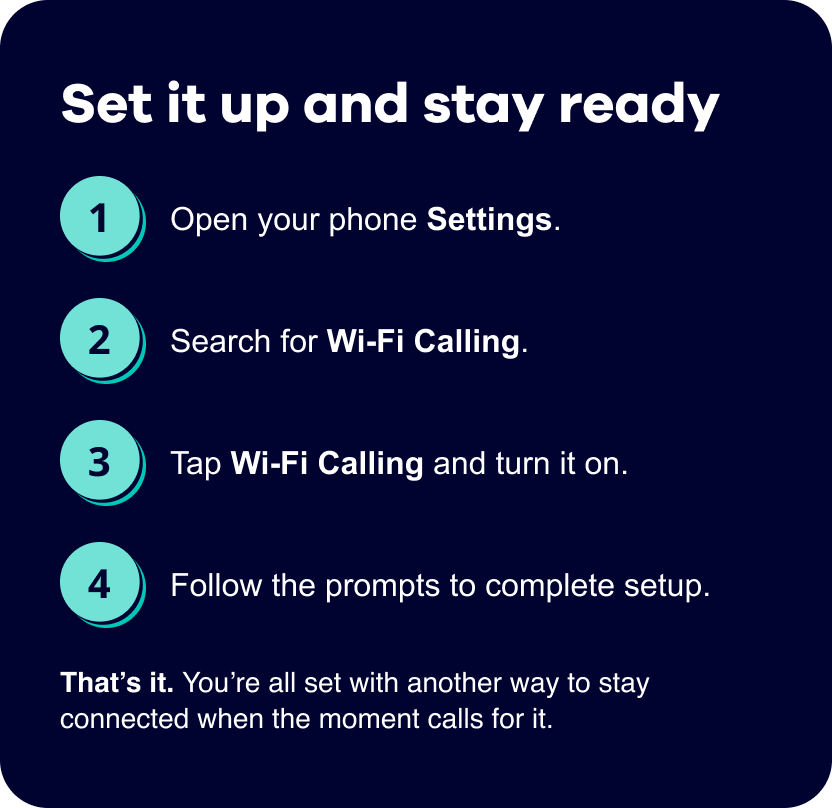
IMPORTANT: During setup, you may be asked to enter or confirm your emergency address. This helps
emergency
responders locate you if you call 911 using Wi-Fi Calling.
If you need help, explore device tutorials
at our support site.